Project Wheelie Camera and Input Feel
Stabilize what you see and how tiny inputs land so wheelie holds stop dying to camera fight and deadzone noise.
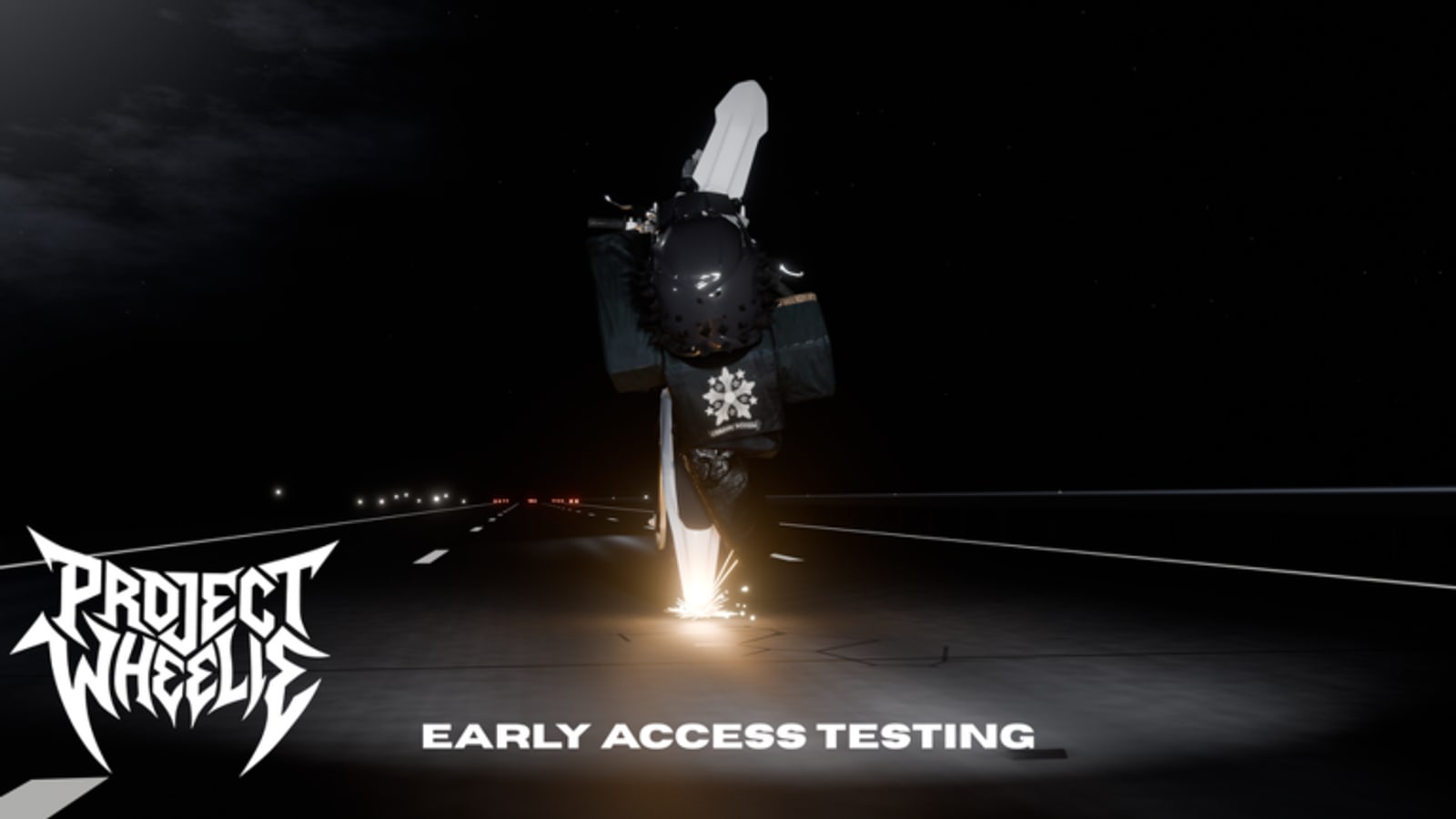
Many “physics are broken” complaints in Project Wheelie early testing are actually camera and input-feel problems. The bike tips because the horizon jumps, a thumb covers the pitch control, or a stick deadzone turns a micro-correction into a yank. This page sits beside the bind lists on the Controls Hub and PC and Mobile.
Why feel matters in a paid test
You are evaluating basic wheelie mechanics on a short paid slice. If your camera fights you, you cannot judge the bike honestly. Fix presentation before you rewrite your lift timing. After the 1 August 2026 universe update, re-check feel even if binds look unchanged — see the Updates Hub and August 2026 Snapshot.
Horizon first
During holds, look at the horizon and the path ahead, not at the front fender. The horizon is your level reference. When the camera sits too low or too close, every bump feels like a crisis. Set a zoom you can live with for ten minutes before the first timed hold from How to Wheelie.
PC habits
- Close overlapping browser or Discord overlays that steal clicks.
- Keep frame pacing stable; huge FPS swings make timing feel random.
- Avoid sitting so close that a small mouse nudge recenters the world mid-hold.
- Confirm keyboard pitch and throttle are not fighting an accidental second bind.
Mobile habits
Touch screens punish wide thumbs. Move UI comfort first: reduce the chance your brake or camera drag eats the pitch control. Shorter taps often beat long presses once the front is up. Enable do-not-disturb so a notification does not steal a thumb mid-hold. Solo Testing Tips pairs well with phone focus rules because servers are already quiet.
Controller deadzones and tiny sticks
Controllers shine for smooth throttle, then betray you with noisy sticks. If micro-corrections become swerves, increase deadzone slightly or soften your grip. Practice five-second holds with intentionally smaller stick travel. If the stick requires giant movement to start pitch, that is a different problem — document it and compare after patches.
One-variable feel tests
Change only camera zoom for a block, or only deadzone, or only whether traffic is visible. Do not change lift timing at the same time or you will not know what helped. Use the tester checklist and practice planner to keep blocks honest. First Paid Session already budgets settle time for this reason.
Map stressors and camera
Traffic and the police vehicle add visual noise. Introduce them only after camera and flat holds are calm — Ramps and Traffic and Police Vehicle Drills. If a stressor exists only to create a clip, it is teaching the wrong lesson for early testing.
After patches
Feel regressions are normal in active tests. When the bike suddenly “feels wrong,” run:
- Bind confirmation on PC and Mobile.
- Zoom reset to your known good preset.
- Five flat recoveries with traffic off.
- Only then turn tracks and ramps.
Log whether the change felt like input latency, camera height, or tip speed. That log is more useful than arguing in comments.
Related reading
Controls Hub, How to Wheelie, Common Mistakes, Early Testing FAQ, Guides Hub.
Closing principle
Clean camera and disciplined tiny inputs make the early testing purchase informative. Chaotic camera makes every session a coin flip. Before you blame the build — or chase codes and scripts — spend five minutes making the horizon boring. Boring vision is how you earn the right to judge Project Wheelie’s wheelie feel.
Portable habits for the free release
Menu labels may change later. Horizon reference, one-variable testing, overlay discipline, and deadzone awareness should transfer. Keep those habits even when the map grows beyond toggleable traffic, turn tracks, ramps, and the police vehicle.
Quick pre-ride feel checklist
Zoom set. Overlays closed. Thumbs clear on mobile. Deadzone tolerable on controller. Traffic off for warm-up. One variable chosen for the block. If those boxes are ticked, your next tip is more likely a real mechanics lesson than a UI accident.
Frequently Asked Questions
Quick answers to the most common Project Wheelie questions.
Why do my holds die when the camera moves?
You lose the horizon reference. Set a stable zoom before timed holds and look ahead of the bike.
Do I need a controller?
No. Keyboard, touch, and controller can all work. Controllers need deadzone awareness so tiny sticks do not overcorrect.
Should I change camera and lift timing together?
No. Change one variable per block or you will not know what fixed the tip.
What should I recheck after an update?
Binds, zoom preset, then five traffic-off flat recovers before stressors.