Project Wheelie Controls
Learn which inputs matter during early testing and how to keep camera, throttle, and pitch from fighting each other.
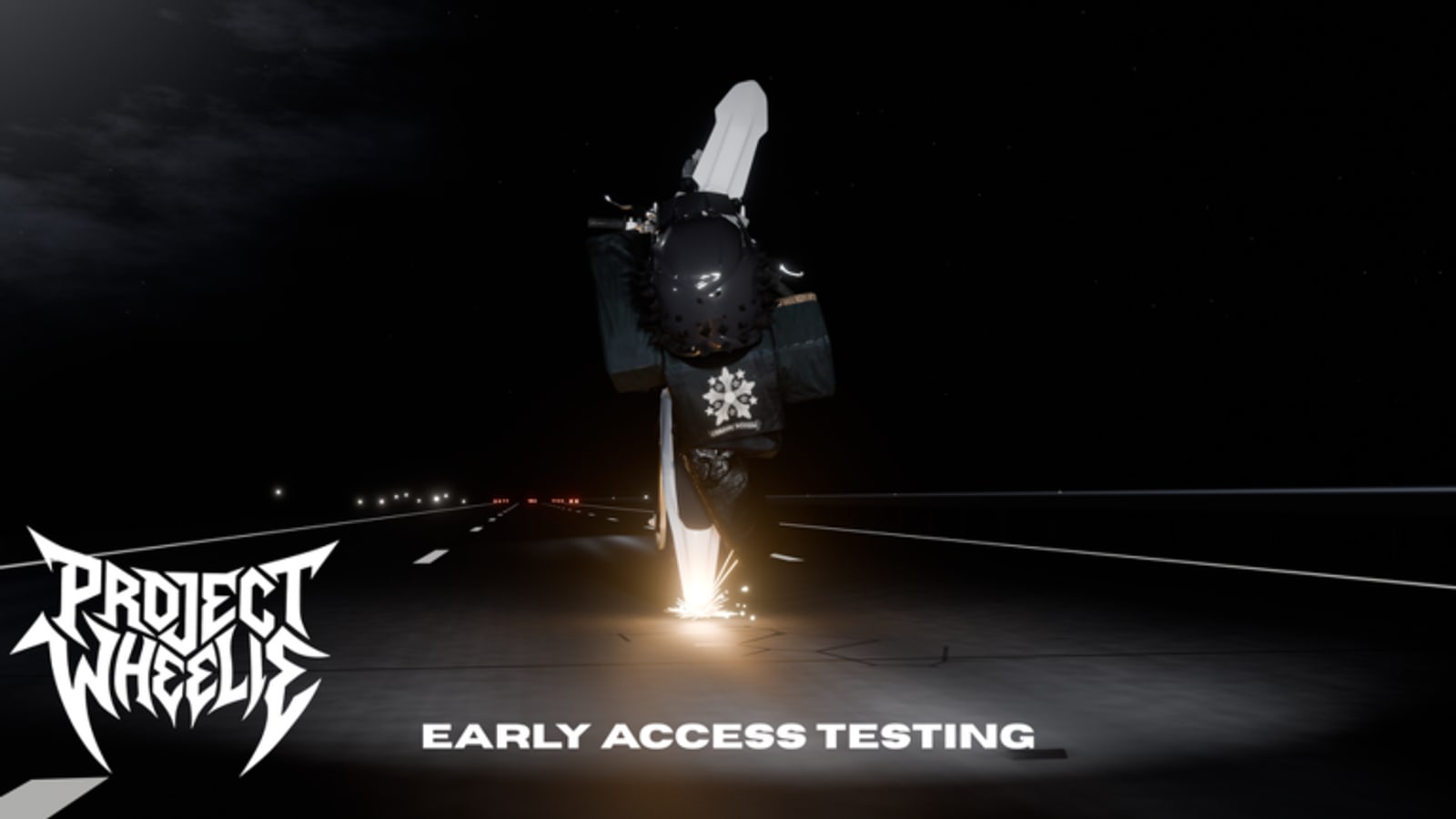
Controls decide whether Project Wheelie’s physics feel fair. During early testing you are not unlocking a huge ability tree; you are learning how throttle, steering, and pitch interact. This hub explains the control philosophy, then points you to PC and Mobile for platform specifics.
What matters in a wheelie test
Three channels dominate: drive input, pitch or wheelie input, and camera. If any channel is noisy, the bike feels broken even when the build is fine. Clean defaults beat fancy remaps while you are still learning. Change one bind at a time and retest with the drills in How to Wheelie.
Drive and pitch separation
Your brain should treat throttle and wheelie pitch as separate instruments. Flooring both forever creates tip loops. Practice rolling at medium speed with neutral pitch, then add pitch in pulses. That separation is the fastest way to stop blaming the server for self-inflicted crashes.
Camera habits
Camera fight is a hidden control issue. If the view yanks wide during a lift, you will overcorrect. Set a comfortable distance before drills. On mobile, lock your thumbs into a consistent posture so the camera stick does not drift when the bike rises. On PC, keep mouse or camera keys out of your wheelie hand when possible.
Menu controls versus ride controls
Early testing menus can change. Ride controls should stay muscle memory. When a patch rearranges buttons, verify them in a safe flat area before you enable traffic. Use the Updates Hub to note control-related patch text.
Controller considerations
Controllers are excellent for analog pitch if deadzones are reasonable. If the stick drifts, lower sensitivity before you install third-party tools. Anything that injects input belongs in the caution zone described on the Scripts Hub.
Practice with intention
Open the tester checklist and include a controls warm-up: confirm throttle, pitch, brake or reverse if available, and camera. Then run a short plan from the practice planner.
Related pages
Deep platform notes live on PC and Mobile. Map drills are on Test Map Tips. Beginners should still start at Getting Started.
Building a personal controls baseline
Before you chase advanced drills, create a one-page baseline: device, posture, camera distance, throttle feel, pitch feel, and the first tip reason you notice. Keep that baseline in the same note as your practice planner output. When a patch lands, rerun the baseline before you declare the physics worse or better.
Controls mastery is also about what you refuse to touch. During early testing, avoid stacking remaps, overlay macros, and experimental client tools. Those layers make it impossible to tell whether Project Wheelie changed or your input stack changed. Keep experiments inside the ride, not inside shady utilities described on the Scripts Hub.
Teaching a friend your binds
If you duo on voice while playing separate solo instances, teach binds as roles rather than key names: drive hand, pitch hand, camera hand. Roles survive UI renames. Key names may not. Point them to Getting Started and this hub so they do not burn their first paid minutes in menus.
Frequently Asked Questions
Quick answers to the most common Project Wheelie questions.
Where are the exact keybinds listed?
See the PC and Mobile page for platform-focused bind guidance and troubleshooting.
Should I remap everything on day one?
No. Learn the default feel first, then change one input at a time.
Why does the bike feel uncontrollable on mobile?
Camera drift and large touch targets often cause overcorrection. Stabilize camera posture before longer holds.
Do controls change during early testing?
They can. Recheck binds after patches listed on the Updates Hub.