Project Wheelie Guides
Deep tutorials for joining early testing, holding cleaner wheelies, and using the test map without wasting Robux time.
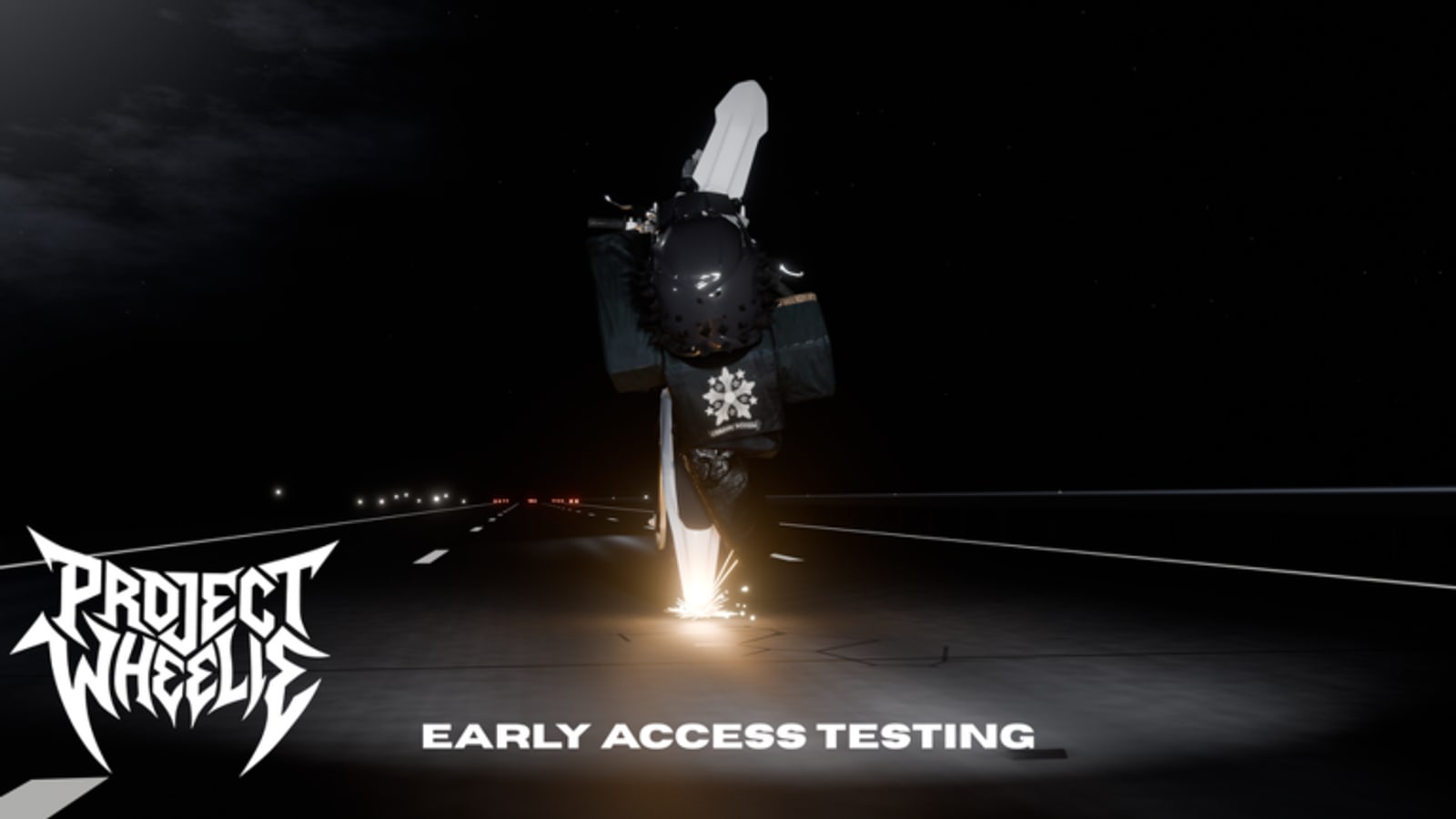
This Guides Hub is the center of the Project Wheelie wiki. The experience is still a paid early testing build on Roblox, so every tutorial here assumes you are evaluating basic wheelie mechanics rather than grinding a finished career mode. Use these pages to decide whether to buy access, then to structure the sessions you do pay for.
Start here if you are new
Begin with Getting Started. It covers the official group, the Robux warning on the experience page, and the first ten minutes inside the test map. If you skip that page, you will spend your first session figuring out access rules instead of throttle control.
If search results mixed you up with another bike game, read Project Wheelie vs Wheelie District before you buy or paste codes.
Once you can spawn and move, open How to Wheelie. That guide is written around the real skill players search for: how to lift, how to hold, and how to recover without panic inputs. It also embeds a community video walkthrough so you can see timing, not just read about it.
Map-focused tutorials
The test map is small on purpose. It includes toggleable traffic, turn tracks, ramps, and a police vehicle to swerve around. Test Map Tips explains how to use those props as drills instead of decorations. Pair it with the Map Overview and the Ramps and Traffic page when you want landmark-level detail.
Mistake-proofing and solo practice
Common Mistakes covers the failures that burn paid minutes. Solo Testing Tips explains how to use quiet maxPlayers 1 servers as a physics lab instead of waiting for a social lobby that this build is not selling.
How the guides connect to other hubs
Guides answer how-to questions. Controls answer what to press. The Controls Hub and PC and Mobile pages should stay open beside your first rides. The Practice Priority Tier List ranks what to practice first when time is limited. The Tools Hub turns those priorities into checklists and timed plans.
If you are still unsure about spending Robux, read the Early Testing Review before you buy. If you already bought access, skip straight to practice and keep the Updates Hub plus the August 2026 Snapshot bookmarked after patches.
What these guides will not invent
We will not invent a full vehicle roster, endgame builds, or secret quest lines that the early testing description does not support. Project Wheelie promises a larger game later and a free full release for all ages and devices. Until those systems ship, the useful content is mechanics, map drills, and session planning.
Recommended reading order
- Getting Started
- Project Wheelie vs Wheelie District if you are unsure which game you found
- Controls Hub
- How to Wheelie
- Common Mistakes
- Test Map Tips and Solo Testing Tips
- Tester Checklist and Practice Planner
Related hubs
Browse Codes only after your fundamentals are stable. Check Scripts for safety context if you see shady offers in chat. Use Official Links for the Roblox destinations that matter.
Frequently Asked Questions
Quick answers to the most common Project Wheelie questions.
Which guide should I read first?
Start with Getting Started, then How to Wheelie. Add Test Map Tips after you can hold a basic lift on flat ground.
Do these guides work for the future free release?
Wheelie fundamentals should transfer. Menu names and map layout may change after early testing.
Are the embedded videos official?
No. They are community videos chosen because they show this Project Wheelie experience. Always verify what you see against the live build.
Where do I go for controls only?
Use the Controls Hub and the PC and Mobile page for bind-focused help.